
Why local chatbots have become practical
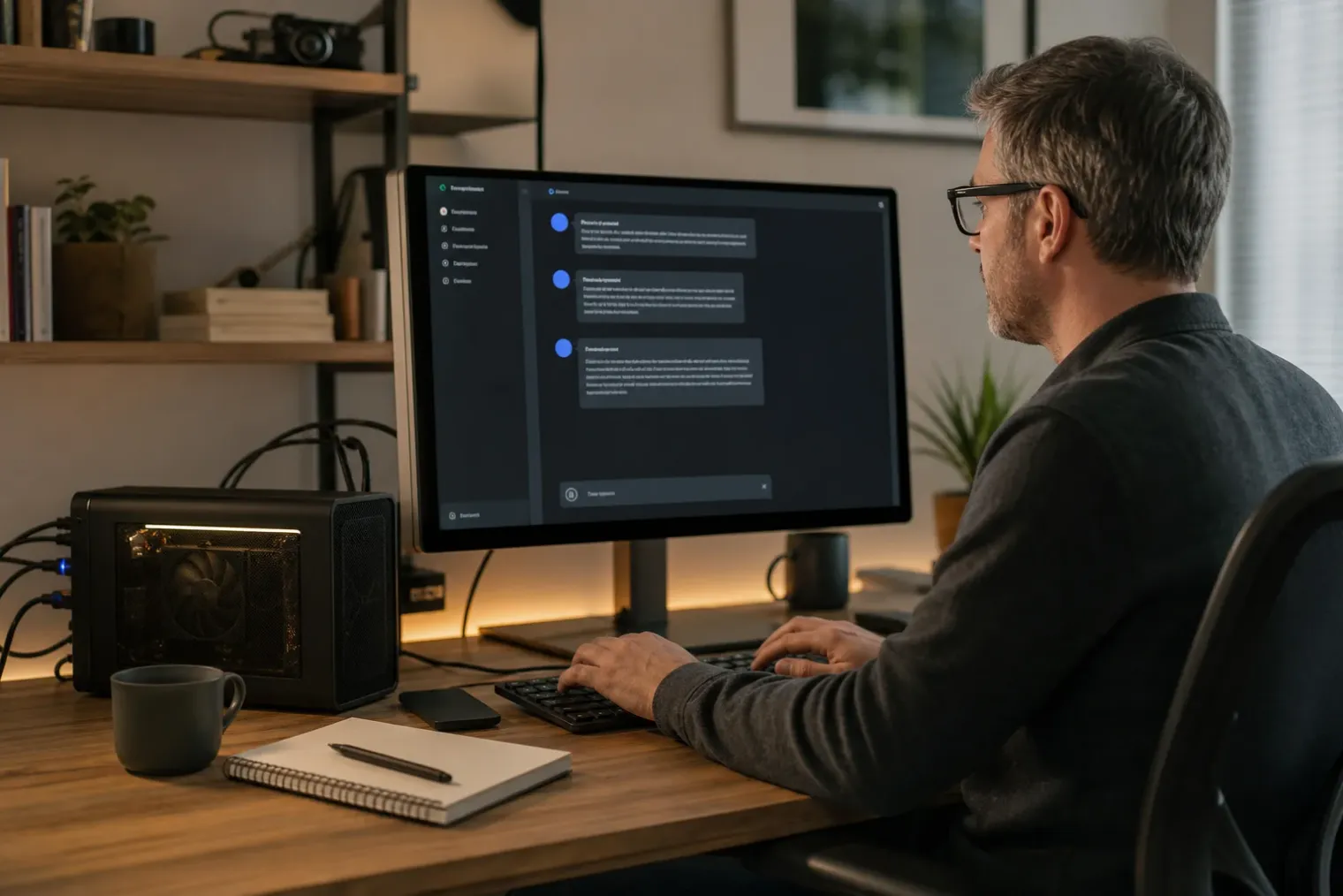
A chatbot does not have to run in a data centre. A large language model can be downloaded to a personal computer and used through a terminal, desktop application or browser-based interface. The appeal is straightforward: prompts can be processed on the machine rather than sent to a hosted AI provider, and routine use does not generate per-message API charges.
That distinction matters for people working with private notes, drafts, source code or documents that they would rather not submit to an external service. It also gives users more control over model choice, system instructions and update timing. But “local” should describe the full workflow, not merely the chat window. A locally installed runtime may also offer optional cloud models, web-search features or integrations that transmit information elsewhere. Users seeking an offline setup should check those settings and deliberately disable cloud features.
The trade-off is that a personal computer has far less memory and processing capacity than a major AI provider’s infrastructure. A small local model can be responsive and useful for drafting, summarising, brainstorming and straightforward questions. More demanding reasoning, coding and long-document work can require a larger model, a capable graphics processor or patience. A local installation is therefore best seen as a configurable assistant rather than an automatic replacement for every cloud chatbot.
Start with the model runtime
The most direct route is to install a local model runtime: software that downloads model files, loads them into memory and exposes a chat interface or local programming interface. Ollama is one prominent option because it supports macOS, Windows and Linux and provides a simple terminal workflow.
After installing it from the official source, opening a terminal and entering the following command launches its menu:
ollama
A model can then be started with a command such as:
ollama run gemma4
The first run downloads the model, so disk space and a stable connection are required at that stage. Subsequent conversations can run from the locally stored model. The exact model name should be selected from the runtime’s library, with attention paid to its size, capabilities and licence terms rather than choosing only on the basis of popularity.
For users who want a familiar chat page rather than a terminal, Open WebUI is one option. It can connect to a local runtime and present installed models in a browser interface. Its Docker-based installation is positioned as the fastest official deployment route, while desktop and Python-based paths are also available. This separation of roles is useful: the model runtime handles downloads and inference, while the interface manages conversations, settings and, where enabled, document features.
Match the model to the computer
The central technical constraint is memory. Model size is usually expressed in parameters, but the amount of memory required in practice also depends on its format, quantisation and context length. Quantisation reduces the precision used to store model weights, lowering memory use and often improving speed at the cost of some output quality. It is the reason many models that would otherwise be impractical can run on ordinary machines.
A computer can run a model entirely in system memory using its CPU, but responses may arrive slowly. A compatible GPU can accelerate generation substantially when enough video memory is available. If only part of a model fits in video memory, some runtimes divide work between the GPU and system memory; this can be useful, although it is generally slower than keeping the model fully on the GPU.
Context length is another hidden resource cost. It determines how much of a conversation, document or instruction set the model can consider at once. Increasing it can improve work with long files and extended chats, but it requires additional memory. The sensible approach is to begin with the default setting, test the tasks that matter, and expand it only when the machine has sufficient headroom.
A practical selection process is:
- Begin with a smaller, general-purpose text model to confirm that the installation works smoothly.
- Test it on representative tasks, such as rewriting an email, outlining a report or explaining a code fragment.
- Move to a larger or more specialised model only if the quality shortfall justifies slower output and greater memory use.
- Check the model’s licence before using it in commercial, customer-facing or redistributed software.
Privacy is a configuration, not a slogan
A fully local conversation can reduce exposure to third parties because the model processes prompts on the user’s machine. That does not make every use case risk-free. The computer itself still needs ordinary security controls, including an updated operating system, disk encryption where appropriate and protection against unauthorised account access.
Users should also distinguish between the model and the surrounding tools. Attaching a document to a local interface may keep its contents local, but enabling web search, remote storage, external plug-ins or a cloud-hosted model changes the data path. Similarly, a chatbot that is granted access to local files or command-line tools has broader permissions than a basic text-only assistant. Those functions should be enabled selectively and tested with non-sensitive material first.
Local models also retain the fundamental limitations of generative AI. They can invent facts, misread source material and produce confident but incorrect answers. Their lack of an automatic internet connection can be a privacy advantage, but it also means that time-sensitive answers are not inherently current. Important medical, legal, financial or operational claims should be checked against reliable primary sources.
From personal tool to local service
Once a chatbot works on one computer, it can also become a building block for other software. Local runtimes commonly expose an application programming interface on the machine, allowing a note-taking tool, script or internal application to send prompts and receive generated text. Compatibility with widely used API conventions can make that integration easier, but it should not be confused with a public service.
For a single person, keeping the service restricted to the local machine is the simplest and safest arrangement. Sharing it with colleagues introduces additional questions: user accounts, network access, logging, model licensing, capacity and the handling of uploaded files. A home experiment can become a small production system surprisingly quickly.
The most effective local chatbot setup is therefore modest in scope. Choose a model that fits comfortably, use a simple interface, keep cloud options off when confidentiality is the priority, and treat generated output as a draft requiring judgement. That approach captures the main benefit of running AI on a personal computer: not just lower dependence on a remote platform, but greater control over where the assistant runs and how it is used.
Sources
- How to Run a Chatbot on Your Own Computer — WIRED
- Quickstart — Ollama
- FAQ — Ollama
- Context length — Ollama
- Getting Started with Open WebUI — Open WebUI


