
A familiar laptop with a less forgiving configuration
Microsoft’s 13-inch Surface Laptop has been positioned as a lightweight Windows notebook built around long battery life, a compact design and Qualcomm’s Snapdragon X Plus processor. The 2026 entry-level configuration, however, has attracted attention for a less visible specification: it pairs that processor with 8GB of unified LPDDR5X memory and 256GB of storage.
The concern is not that the laptop cannot run Windows 11 or complete simple tasks. A review that prompted the report found it generally capable for web browsing and video playback. The issue is the narrow margin left once a modern operating system and several commonplace applications are running simultaneously. That distinction matters for a device sold as a general-purpose productivity laptop rather than a narrowly limited budget machine.
At its original US list price of $949.99, the 8GB model cost more than the preceding 16GB version had at launch. Microsoft’s store has since shown promotional pricing, but the underlying configuration difference remains: moving from 8GB to 16GB costs substantially more. The company itself describes 8GB as appropriate for browsing and everyday productivity, while presenting 16GB as the option for smoother multitasking and more demanding apps.
What the reported freezes reveal
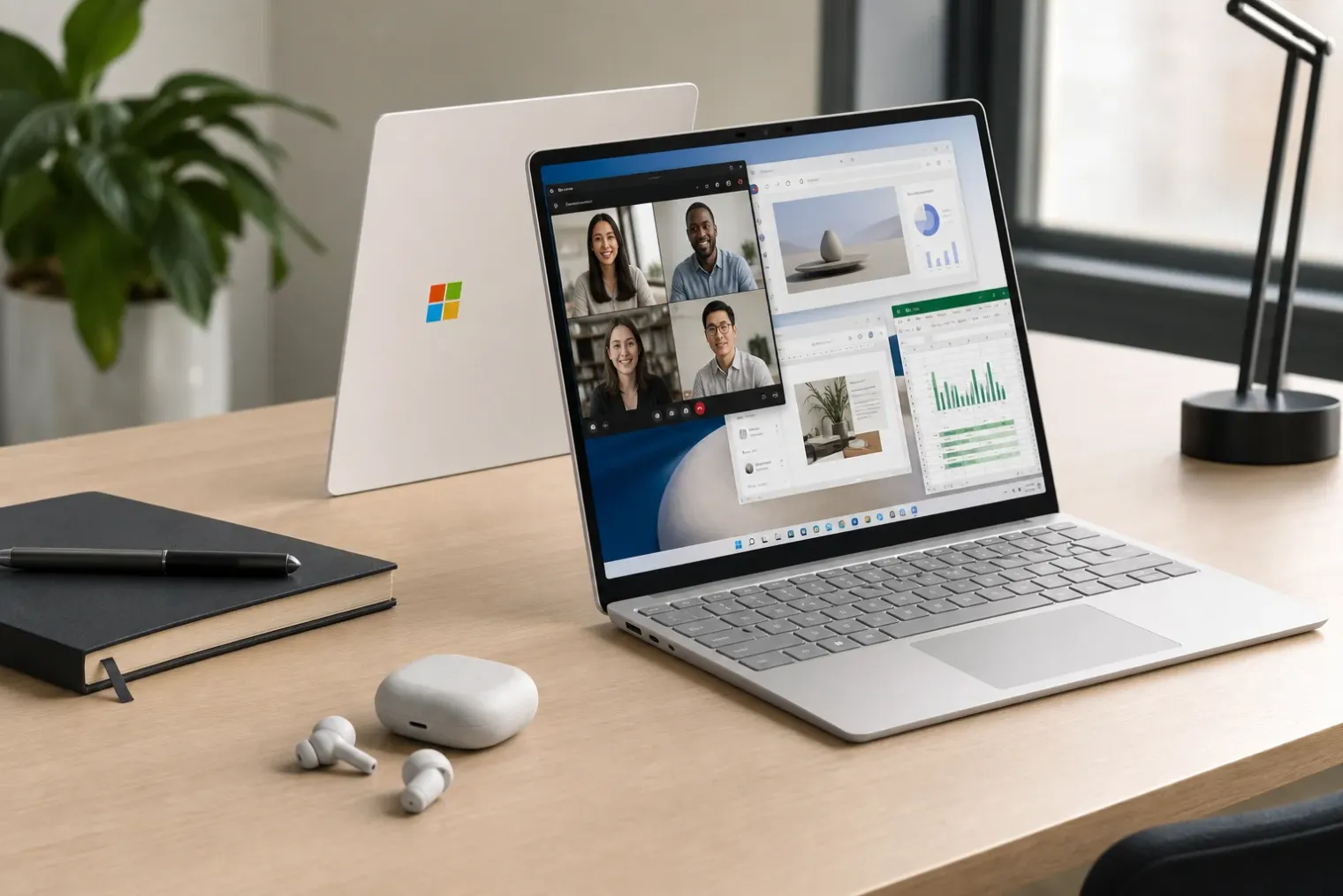
The reported behaviour came from ordinary office-style use rather than a deliberately punishing benchmark. During a Microsoft Teams call, with around 10 Chrome tabs open as well as Slack and Signal, streaming a short video caused the system to stop responding for several seconds. Similar temporary freezes reportedly occurred while working in Google Docs, including occasions without a call or video stream in progress.
This is an important qualification. The report does not describe a full system crash, hardware failure or data-loss event. It describes brief stalls, apparently associated with memory pressure, that interrupt work and are especially disruptive during calls or collaborative tasks. A few seconds of unresponsiveness can mean missed discussion, a broken train of thought or an awkward interruption when presenting.
Windows Task Manager readings in the review help explain why the threshold can be reached quickly. Of the roughly 7.6GB available to the system, about 4.2GB was reportedly in use after a fresh restart with minimal startup software. Typical use approached 6.7GB. Restricting Chrome to around six tabs, closing communication software and avoiding virtual desktops brought usage nearer to 5.5GB, creating more room for short-lived spikes in demand.
Those figures should not be treated as a universal performance test. Memory use varies with browser extensions, Windows updates, display configuration, background utilities and the specific content loaded in each tab. Nevertheless, the scenario is a useful illustration of the practical difference between a machine that meets a formal minimum requirement and one that has sufficient capacity for comfortable day-to-day use.
Minimum requirements are not buying guidance
Windows 11 has a published minimum memory requirement of 4GB. That is an installation threshold, not an assurance that a computer will feel responsive with several productivity apps open. Modern software uses memory for the operating system, browser processes, communications clients, security tools, cloud synchronisation and cached content. When physical memory becomes scarce, the system can move data between memory and storage, a process that can increase delays even with fast storage.
There is a further mismatch in the product’s positioning. Microsoft’s current requirements for Copilot+ PCs specify 16GB of DDR5 or LPDDR5 memory, in addition to a qualifying neural processor and at least 256GB of storage. The 8GB Surface Laptop has a Snapdragon X Plus chip with a 45 TOPS neural processing unit, but Microsoft notes that certain Copilot+ PC features are available only on 16GB-or-higher configurations.
That creates a potentially confusing hierarchy. The entry model carries the hardware identity of an AI-focused Windows laptop, yet it does not provide the memory threshold for the full set of associated experiences. It can still be suitable for someone who mainly writes documents, streams media and keeps a modest number of browser tabs open. But the model is not well aligned with buyers who expect a long-lived work computer able to handle calls, messaging, browser research and multiple desktop applications without close attention to resource use.
The processor is not the central problem
The Snapdragon X Plus platform is not, by itself, the issue identified in the review. The tested laptop retains many of the strengths associated with the earlier Surface Laptop design: low weight, a 13-inch touchscreen, Wi-Fi 7, a 1080p webcam and claimed long battery life. Its eight-core Snapdragon X Plus is also close to the chip used in the prior-generation model.
The more consequential change is that memory has been cut from 16GB to 8GB in the base configuration. Because this LPDDR5X memory is not designed for user replacement, buyers cannot practically treat the entry model as a machine that can be upgraded later. The specification decision is therefore a durable one, affecting the notebook throughout its useful life.
That makes the comparison with last year’s model particularly unfavourable. The external hardware may remain attractive, but reducing memory changes how much of that hardware can be used at once. The result is a laptop that may feel polished when performing one task but becomes less dependable when expected to juggle several routine ones.
A cautious choice for buyers
The lesson is broader than one Surface model. Buyers should assess laptop memory according to their actual workflow, not only a processor badge, an AI label or a minimum operating-system requirement. Video conferencing, browsers with numerous active tabs and workplace messaging are now normal workloads, not exceptional ones.
For purchasers considering this Surface Laptop, 8GB may be acceptable only where light, disciplined use is genuinely expected and the lower purchase price is decisive. Those regularly using Teams or similar services alongside several web applications should regard 16GB as the more credible baseline. Microsoft’s own product comparison language points in the same direction: the larger-memory version is the one explicitly positioned for smoother multitasking.
The reported freezes do not make every 8GB Surface Laptop unusable. They do show that, at this price level, the configuration can ask users to manage their applications more carefully than they reasonably expect. For a premium Windows notebook intended to remain useful over several years, that is a compromise buyers should recognise before they purchase.


