
A local-first alternative to subscription tools
AI meeting assistants have become a familiar part of remote work: they record calls, produce searchable transcripts and turn discussions into action lists. The usual convenience comes with recurring fees and an important trade-off: sensitive conversations may be uploaded to a provider’s infrastructure. Meetily is designed around a different model. Its Community Edition is free and open source under the MIT licence, while its core workflow can run on a desktop computer rather than a vendor-operated meeting bot or cloud recording service.
That makes the headline claim accurate, with qualifications. Meetily can transcribe and summarise meetings without a subscription, but “without a subscription” does not automatically mean without cost, configuration or data-sharing considerations. The application offers local models and local AI options, yet it can also be connected to hosted or third-party services. Users who choose those routes need to assess the provider’s pricing, retention practices and terms.
How the software captures a meeting
Meetily is a desktop application for macOS and Windows; Linux users can build it from source. Instead of joining a videoconference as an additional participant, it captures microphone and system audio directly on the computer. In practical terms, this allows it to work alongside services such as Zoom, Microsoft Teams and Google Meet, provided the operating system grants the required audio permissions.
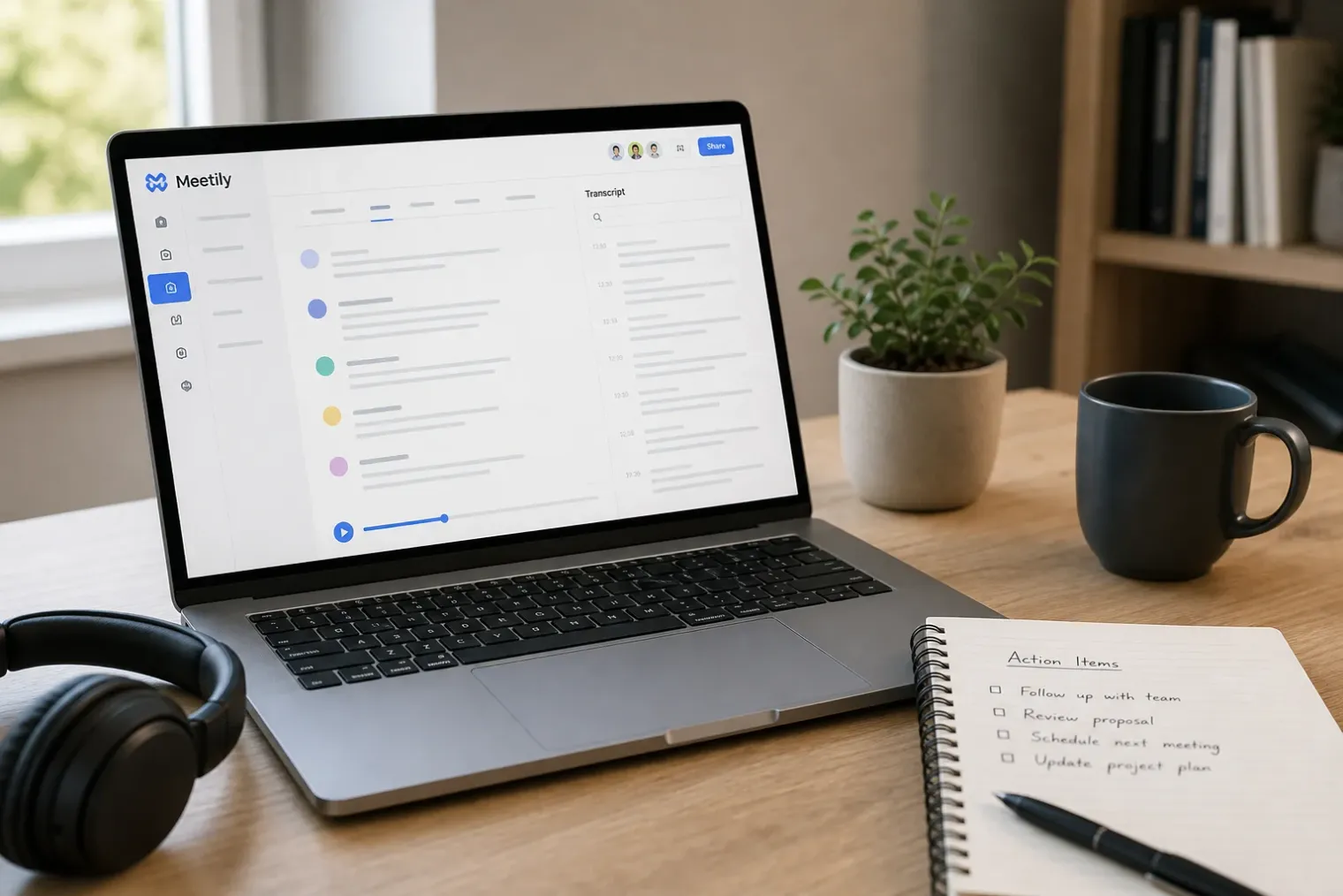
The application can generate a live transcript during a call, and it can also import an existing audio file for later processing. Its interface is built around a meeting workspace where users can review transcripts and AI-generated notes, reprocess audio with another transcription option, search the text and export material in formats including Markdown, PDF, DOCX and plain text.
The latest public Community Edition release listed by the project is version 0.4.0, published on June 5, 2026. It added multilingual summary work, made analytics opt-in by default and included new built-in summary-model options. The release is meaningful not only for features but also because local AI software is evolving quickly; prospective users should check the project’s release notes rather than relying on older reviews or screenshots.
Local transcription is not the same as local AI throughout
Meetily’s strongest distinction is its local transcription approach. The project says recordings, transcripts and local transcription models can remain on the user’s device. It supports local speech-recognition engines based on Whisper and Parakeet, and can take advantage of hardware acceleration where compatible hardware is available. This approach may appeal to people handling research interviews, internal discussions or client conversations that they would prefer not to upload as raw audio.
Summarisation is more nuanced. Meetily supports Ollama for local language models, but it also supports hosted services and custom OpenAI-compatible endpoints. The current documentation explicitly states that the selected transcription or summary provider determines where processing takes place. A locally transcribed meeting can therefore still have its transcript sent elsewhere if a cloud summarisation provider is selected.
That flexibility is useful, but it makes privacy a configuration question rather than a permanent product property. A user seeking an entirely offline workflow should verify that both transcription and summarisation are set to local providers, and should understand the model files, hardware requirements and storage location involved. A user who prioritises speed or output quality may prefer a cloud service, but should treat that as a separate data-processing decision.
Free software, with a commercial tier alongside it
The Community Edition is free to download and use, without a mandatory subscription for its core local transcription and summarisation capabilities. Its source code is publicly available, allowing developers and technically capable organisations to inspect, modify and build the software. Open source does not itself prove that an installation is secure or compliant, but it gives users a greater opportunity to examine the implementation and avoid dependence on a closed hosted platform.
Meetily also sells a Pro offering. The project describes it as a separate, more advanced workflow aimed at professional users and teams, with features such as higher-accuracy models, advanced exports, custom summary templates and self-hosted deployment options. This division is worth noting because feature claims can otherwise become blurred: a feature displayed on Meetily’s commercial website may not necessarily be included in the free Community application.
There may also be indirect costs. Local models take disk space, and real-time speech recognition can be demanding on older computers. Users who select an external AI provider may pay that provider’s API charges even if Meetily itself remains free. The economics are therefore most favourable for people prepared to use local models and accept the performance and quality trade-offs that can accompany them.
Accuracy, speakers and the need for review
Meeting transcription has improved considerably, but it should not be treated as a flawless record. Audio quality, overlapping conversation, accents, specialist terminology and weak microphones can all reduce accuracy. Automatic summaries add another layer of interpretation: they may omit a qualification, mistake an unresolved issue for a decision or assign too much importance to a passing comment.
Meetily includes transcript review tools and speaker-diarisation capabilities in beta, allowing users to separate voices, name speakers and correct labels. These features can make notes more usable, but they do not eliminate the need for human checking. For formal minutes, legal discussions, performance reviews or decisions involving deadlines and commitments, the transcript and summary should be a drafting aid rather than the final authority.
The tool also requires careful meeting etiquette. Recording and transcription rules vary by jurisdiction, employer policy and the nature of the conversation. A local recorder may be less visible than a bot that joins a call, which can make clear notice to participants even more important. Users should obtain any required consent and explain when a meeting is being captured.
Who should consider it
Meetily is best understood as a configurable local-first meeting-notes toolkit, not as a universal replacement for every hosted assistant. It is particularly relevant to individuals and smaller teams that want desktop-based recording, do not want a bot present in calls, and are willing to manage models or settings themselves.
Its appeal is strongest where data control matters and a subscription is hard to justify. The trade-off is responsibility: users must decide where audio is processed, where transcripts are stored, which model creates the summary and whether the final notes are accurate enough to share. For those prepared to make those choices, Meetily demonstrates that meeting transcription does not have to begin with a monthly cloud subscription.
Sources
- Meetily Lets You Transcribe and Summarize Meetings Without a Subscription—Here’s How — WIRED
- Meetily Community Repository — GitHub
- Meetily Releases — GitHub
- Meetily Documentation — Meetily


