
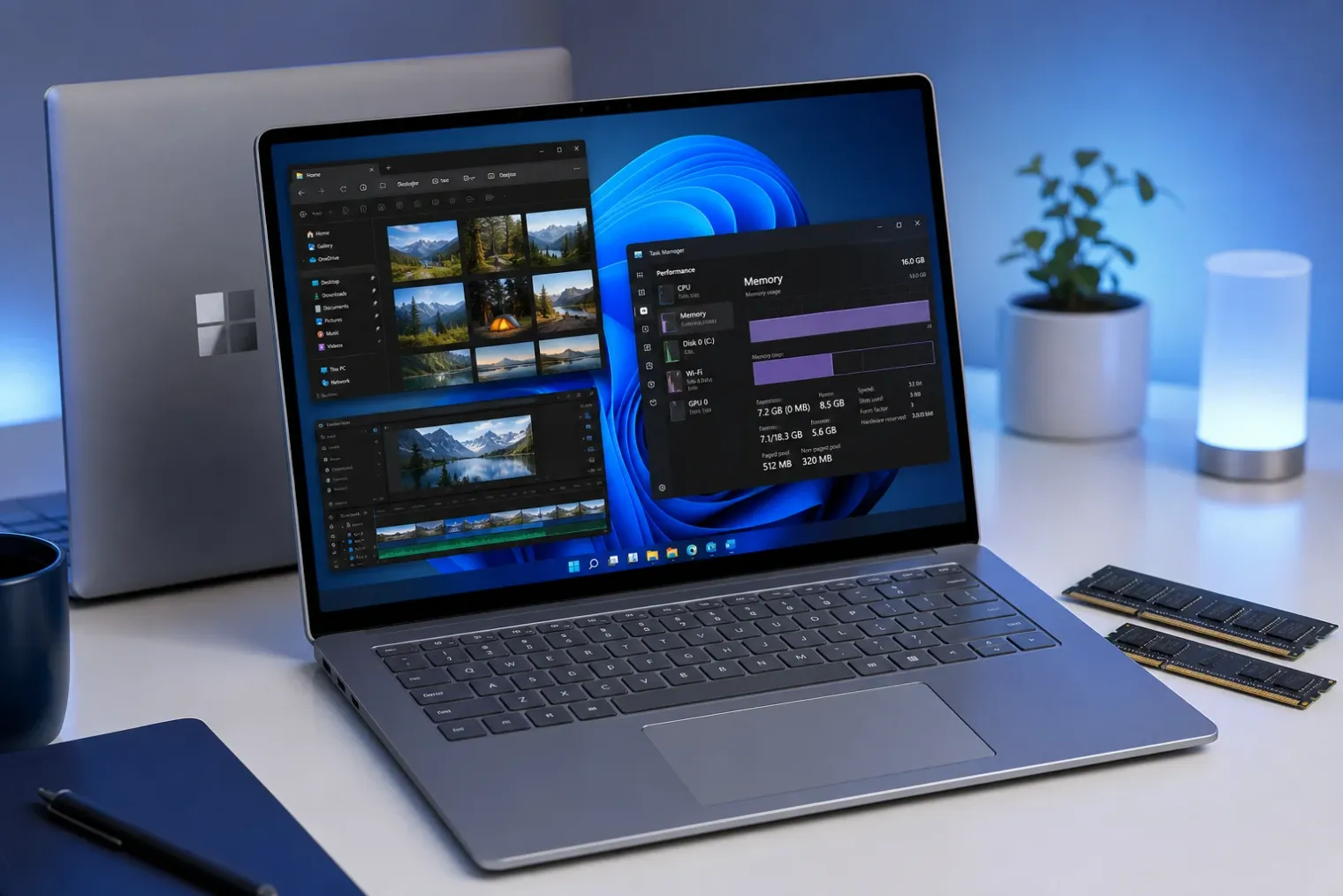
A quality pledge centred on everyday responsiveness
Microsoft has placed memory efficiency at the centre of a broader Windows 11 quality programme for 2026. In March, the company said it intended to lower the operating system’s baseline memory footprint, leaving more capacity for applications, while also improving consistency when a PC is under load. The commitment sits alongside planned work on File Explorer, the Start menu, search and the Windows Subsystem for Linux.
The focus is significant because memory pressure is often felt not as a single, obvious fault but as a gradual deterioration in a PC’s day-to-day behaviour. Applications can take longer to switch, browser tabs may reload, and the system may turn more frequently to storage-based paging when physical RAM is scarce. Windows 11 formally requires at least 4GB of memory, yet that figure is an installation threshold rather than a guarantee of a comfortable multitasking experience.
Microsoft has not attached a universal number of megabytes to the promised reduction. That restraint matters: memory consumption varies with hardware architecture, drivers, graphics configuration, installed software, services and the workload being measured. A claim about a smaller baseline therefore should be understood as an engineering direction rather than a simple specification change that will affect every computer identically.
From a broad goal to specific components
A May progress update offered more detail about where Microsoft expects savings to come from. The company highlighted Widgets as an early area of work, describing a smaller default footprint, faster release of memory when it is not needed, more user control over pre-launch behaviour and limits on pre-launching on devices with less memory.
This is a pragmatic target. Background surfaces can impose a persistent cost even when a person is not actively using them, particularly if they preload content or retain processes to make later interactions feel immediate. Reducing that cost can help on systems with modest RAM without necessarily removing the features altogether. It also signals a more adaptive approach: a high-memory desktop and an entry-level laptop need not make the same trade-offs.
Microsoft also said it had begun targeted performance and power tuning for frequently used operating-system and application scenarios. The work includes changes intended to speed launches and improve the perceived responsiveness of core shell elements, such as Start, Search and Action Center. Separately, the company pointed to scheduler work intended to handle processor power states more effectively.
The interaction between these changes is important. A smaller memory footprint alone does not automatically make an interface feel faster. But less competition for physical memory, more disciplined background activity and better power-management decisions can collectively reduce the pauses that users associate with a system becoming bogged down.
Why the hardware context has changed
The initiative arrives as Windows PCs span a wider range of memory designs and workloads. Conventional notebooks still commonly separate system memory from graphics memory, while newer high-performance designs increasingly use unified-memory arrangements in which CPU and GPU workloads draw from a shared pool. At the same time, local AI, content-creation and gaming tasks can create unusually large and variable memory demands.
Microsoft has described separate optimisations for unified-memory systems developed with NVIDIA, including a higher and more adaptive limit for system memory accessible to the GPU, as well as improved management of page sizes in shared memory regions. Those efforts are aimed at powerful devices with substantial memory, whereas the Windows 11 baseline-footprint work has wider relevance to mainstream and lower-capacity machines.
That division underlines an essential point: memory efficiency is not simply about making Windows use as little RAM as possible. The operating system must retain enough data in memory to keep applications responsive, support graphics and security functions, and avoid excessive storage activity. The goal is better allocation and faster reclamation, not indiscriminate reduction.
What users should expect — and what remains unproven
For users, the initial practical benefit is most likely to appear on PCs that are close to their memory limits or that run many background features. Systems with 4GB or 8GB of RAM could have more to gain from reclaimed capacity than machines with much larger pools, although the extent will depend heavily on the software installed and the work being performed.
The changes should not be read as a substitute for adequate hardware. A device used for large creative projects, demanding games, virtual machines or local AI models can still require considerably more memory than the Windows minimum. Likewise, heavy browser use remains dependent on the number and nature of open tabs, extensions and web applications.
There is also a distinction between announced work, Insider availability and broad deployment. Microsoft began presenting some improvements to Windows Insiders during the spring, and its updates describe further changes as continuing through the year. Features and underlying tuning can be adjusted during that process, and availability may differ by Windows release, hardware and update channel.
The most useful test will therefore be sustained measurement after the changes reach a wide population of devices. Independent comparisons should examine idle memory use, application-switching behaviour, launch times and responsiveness under pressure, rather than relying on a single Task Manager screenshot. If Microsoft can demonstrate lower baseline usage without shifting delays elsewhere, the initiative could improve the experience of Windows 11 on a broad class of existing PCs as well as new hardware.
A more measurable standard for Windows quality
Microsoft’s announcement is notable less for one isolated optimisation than for treating resource efficiency as a visible quality objective. For years, operating-system improvements have often been framed around new features or hardware capabilities. The 2026 programme instead makes a direct case for reducing overhead, improving reliability and making ordinary interactions more predictable.
That is a sensible priority. Users rarely evaluate an operating system by its internal memory-management techniques; they judge whether their computer remains responsive during a normal day. Microsoft has now set an expectation that Windows 11 should consume less baseline memory and behave more intelligently when capacity is constrained. The next challenge is to translate that commitment into results that are broad, measurable and durable across the Windows hardware ecosystem.
Sources
- Our commitment to Windows quality — Microsoft Windows Insider Blog
- Windows quality update: Progress we've made since March — Microsoft Windows Insider Blog
- Introducing a powerful new chapter for Windows PCs, accelerated by NVIDIA RTX Spark — Windows Experience Blog
- Windows 11 requirements — Microsoft Learn


